

 English
 Español (España)
 Español (México)
 Français
 Deutsch
 Nederlands
 Português (Brasil)
 Italiano
 עברית
 العربية
 日本語
One show. Every screen.
Setclock is a stage timer built for live music. One controller runs seven kinds of screen, from the artist's monitor to the production office wall, and every one stays in step, even if the Wi-Fi drops.
Every screen is a link.
Open it on a monitor, a phone, a laptop or an LED wall and it stays in step with the controller, to the second.
Artist monitor. The countdown, cue, who's on and who's next, always on black. Minimal, Standard, Detailed or a layout you build.
See what's playing, not just what's left.
The stage manager screen puts the set countdown beside the track playing right now and the next one up, live from the decks through Clockworks Timecode Live. No waveforms, nothing to decode. No other stage timer we compared shows it.
- Call the wrap-up on the right trackTime left in the track sits next to time left in the set, so the last-track cue lands between songs.
- One link per stagePaste the stage's Timecode Live link once. The stage manager screen and the Run show card both use it.
- The timer never depends on itTimecode Live needs internet. If it drops, the Setclock countdown keeps running.
Get the Setclock Screen app.
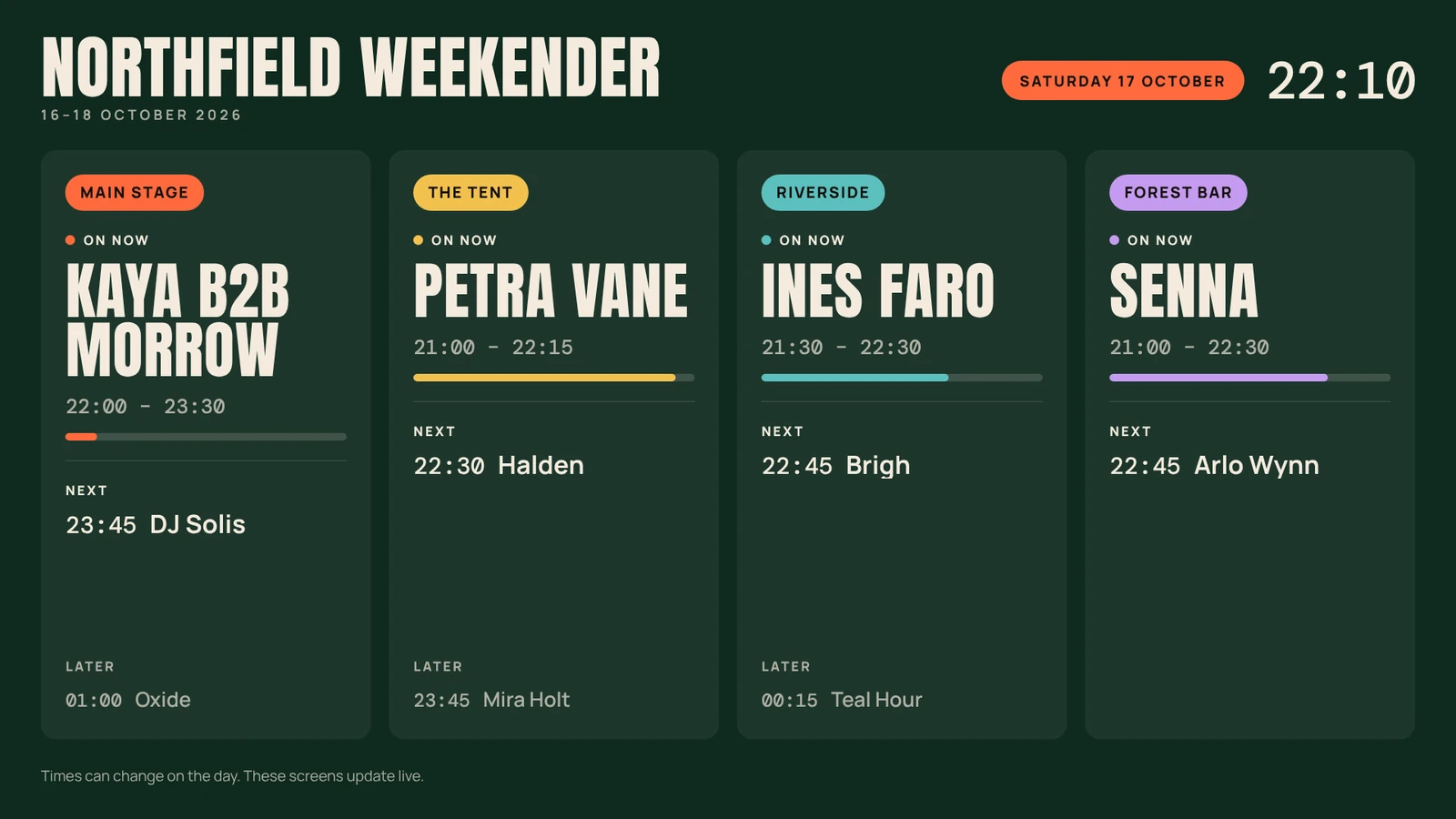
Our app for iPhone, iPad, Google TV, Android TV, Fire TV and Android tablets. Pair it by typing its code, and it keeps a stage's artist monitor or your lineup board on screen all event, reopening by itself after a power cut.



Every app and store: Downloads
Google Play and the Google Play logo are trademarks of Google LLC. Amazon, Appstore and Fire TV are trademarks of Amazon.com, Inc. or its affiliates. Apple, the Apple logo, iPhone and iPad are trademarks of Apple Inc., registered in the U.S. and other countries and regions. App Store is a service mark of Apple Inc.
Questions.
How do I show DJ set times on a monitor?
Open the stage's Artist monitor link from Setclock on any screen and go fullscreen. It shows the countdown, the act on now, who's next and curfew on black, and changes the moment the controller does.
What is Timecode Live in Setclock?
The stage manager screen shows the Setclock countdown beside a Clockworks Timecode Live feed: the track playing now, time left in that track and the next track. Paste the stage's timecode.live link once. The countdown keeps running if that feed drops.
Do Setclock screens keep running if the internet drops?
Yes, once they've loaded. Timing runs on each device's clock, so every screen keeps counting if the internet drops, and changes sync when the connection is back. You need a connection to open the links the first time, and Timecode Live and weather need internet.
Can I see every stage on one screen?
Yes. The all-stages multiview shows every stage's countdown on one screen and fits 2 to 8 or more stages. Festival shows also get site ops, which adds doors, curfew, live weather and official alerts.
Can I control Setclock from my phone?
Yes. The side-stage remote runs in any phone browser with pause, next, a minute either way and every cue, and Run show on a phone becomes the same remote.
Your next show, on time.
Tell us about your festival, venue or tour. We'll email you an invite when your account is ready.