

 English
 Español (España)
 Español (México)
 Français
 Deutsch
 Nederlands
 Português (Brasil)
 Italiano
 עברית
 العربية
 日本語
Setclock, on every screen.
Setclock runs in any browser with nothing to install. The apps keep screens up all event and put your show in your pocket.
Setclock Screen
For the screens. It keeps a stage's artist monitor or your lineup board full screen all event and reopens by itself after a power cut. Pair it by typing its code.
- iPhone and iPadiOS and iPadOS 26 or later

- Google TV, Android TV, Android phones and tablets

- Fire TV

No app needed to start: any screen with a web browser can open its link.
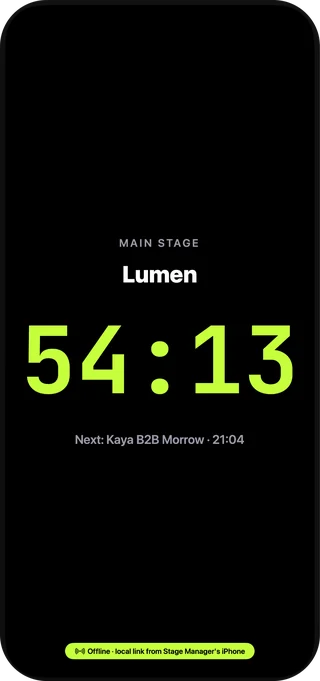
Every stage gets a countdown 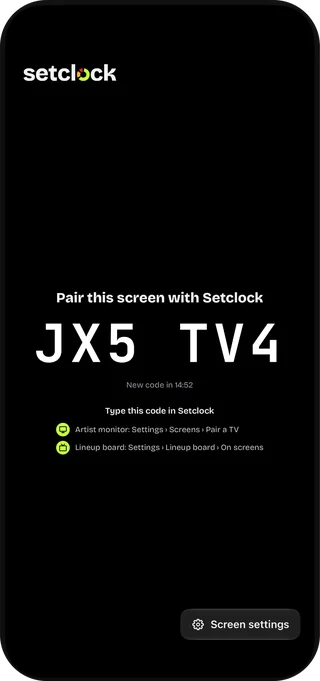
Pair in seconds with a code
Setclock Admin
For the crew running the show: Run show on every stage, cues to the artist, emergency messages and a countdown on your Lock Screen. Everything also works in a browser.
- iPhone and iPadiOS and iPadOS 26 or later
- Any web browserChrome, Safari, Edge or Firefox on a computer, phone or tabletOpen Setclock
- MacIn the works
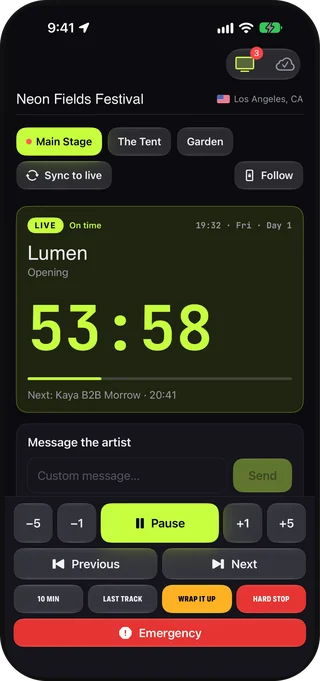
Run every stage from your pocket 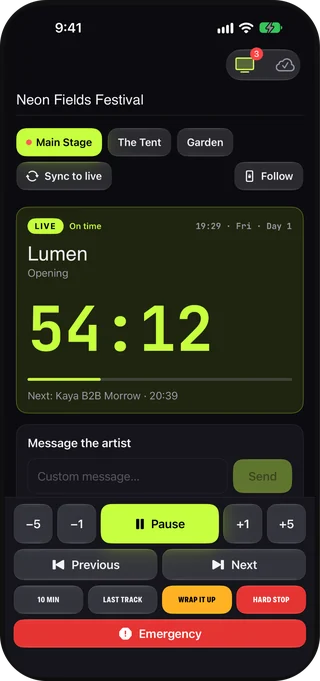
Cue the artist in two taps 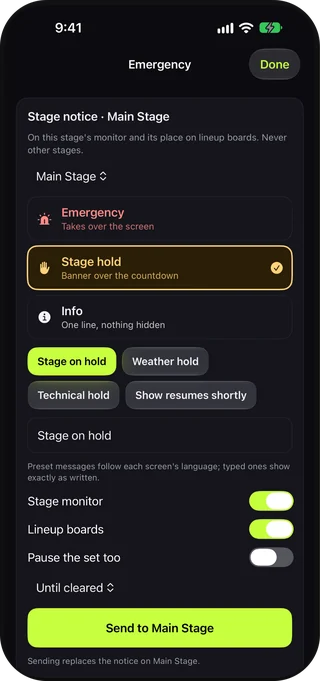
Emergency messages, built in 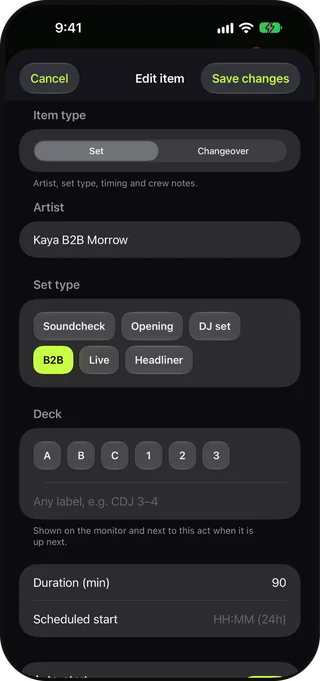
Change the running order on the fly 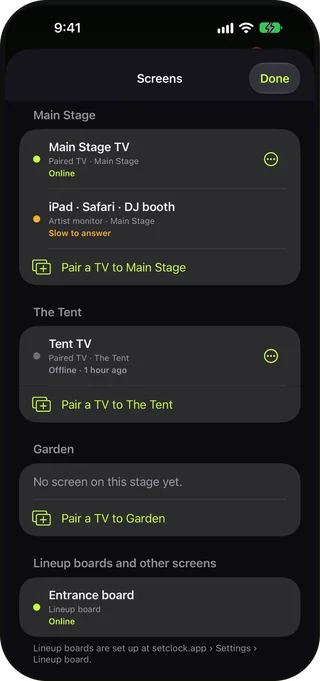
See every screen, live 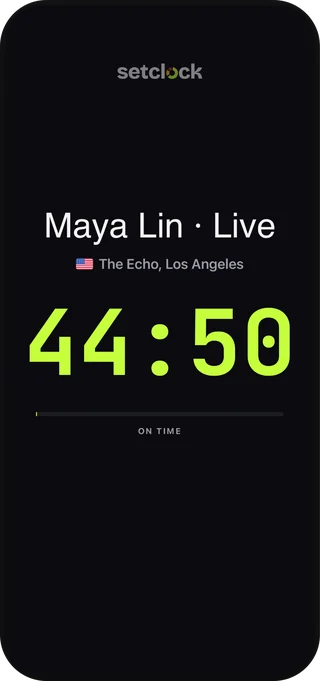
A timer for any gig, no account needed
Google Play and the Google Play logo are trademarks of Google LLC. Amazon, Appstore and Fire TV are trademarks of Amazon.com, Inc. or its affiliates. Apple, the Apple logo, iPhone, iPad and Mac are trademarks of Apple Inc., registered in the U.S. and other countries and regions. App Store is a service mark of Apple Inc.
Questions.
Do I need to install anything to use Setclock?
No. Setclock runs in any modern web browser on a computer, phone or tablet, and every screen is a link. The Setclock Screen app is optional: it keeps a TV on one screen all event and reopens it by itself after a power cut.
Which devices does the Setclock Screen app run on?
Setclock Screen is on Google Play for Google TV, Android TV and Android phones and tablets, and on the Amazon Appstore for Fire TV. It's also on the App Store for iPhone and iPad. Any other screen can open its link in a web browser.
Is there a Setclock app for iPhone and iPad?
Yes, two, both on the App Store. Setclock Admin runs your shows from your phone, with cues, emergency messages and a countdown on your Lock Screen. Setclock Screen turns an iPhone or iPad into an artist monitor or lineup board. Both need iOS or iPadOS 26.
Is there a Setclock app for Mac?
Not yet. A Mac app is in the works. Until it's out, Setclock runs in Safari, Chrome, Edge or Firefox on any Mac, including Run show and every screen link.
Your next show, on time.
Tell us about your festival, venue or tour. We'll email you an invite when your account is ready.