What is Setclock?
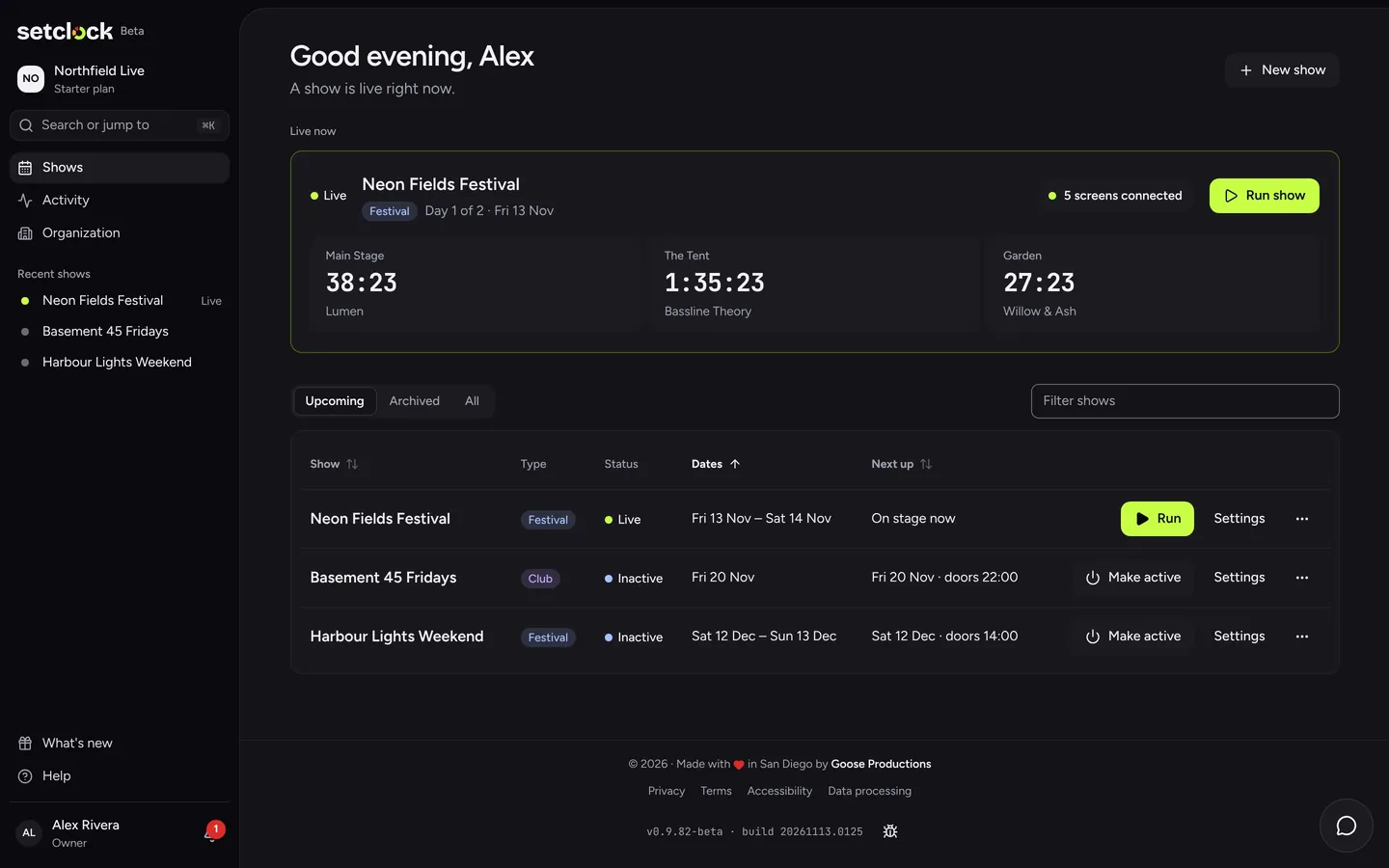
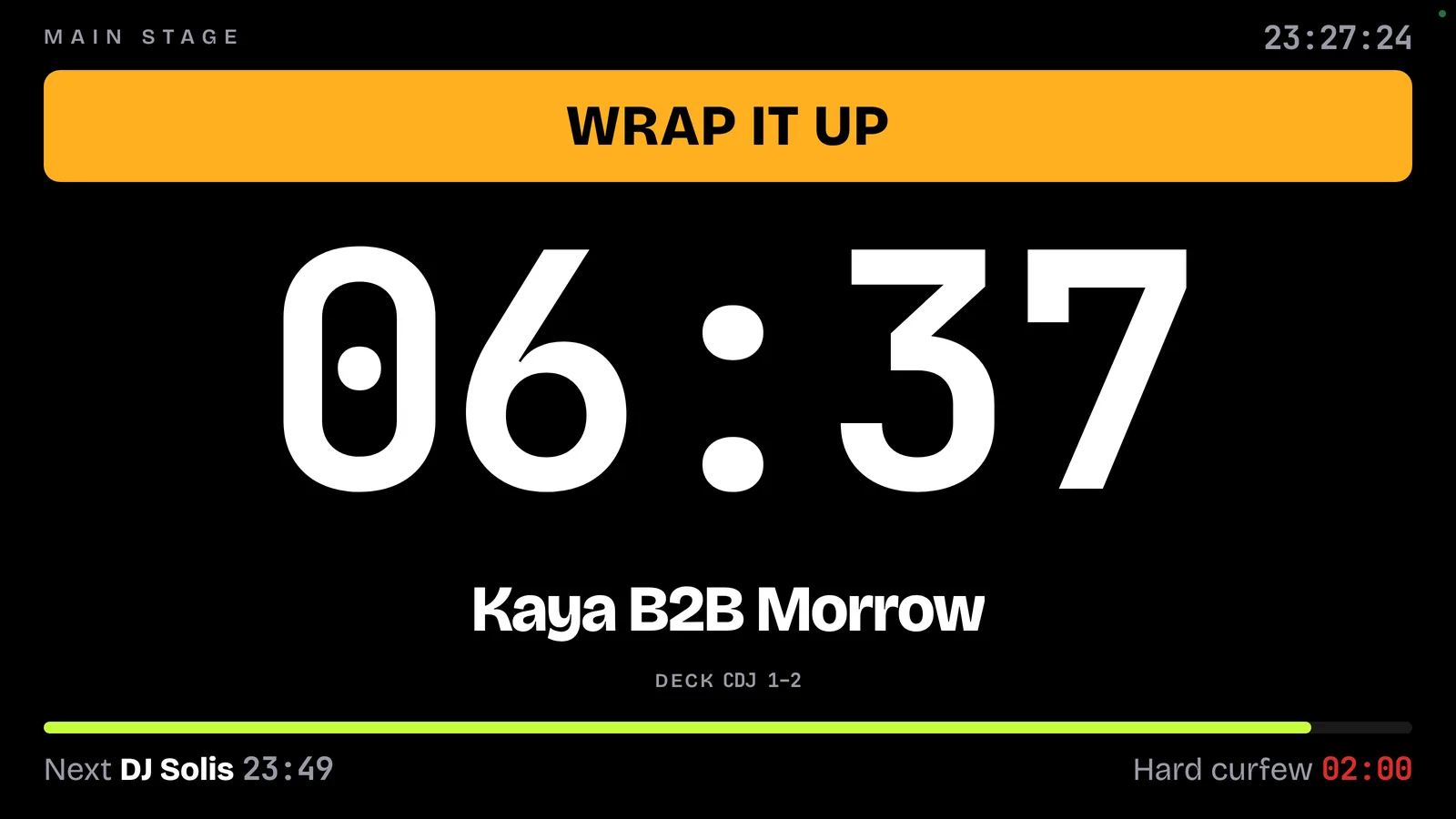
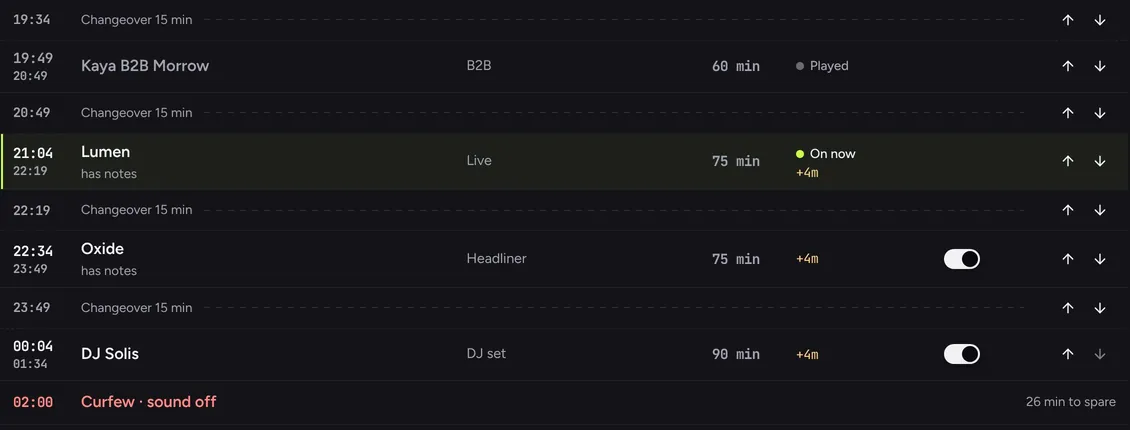
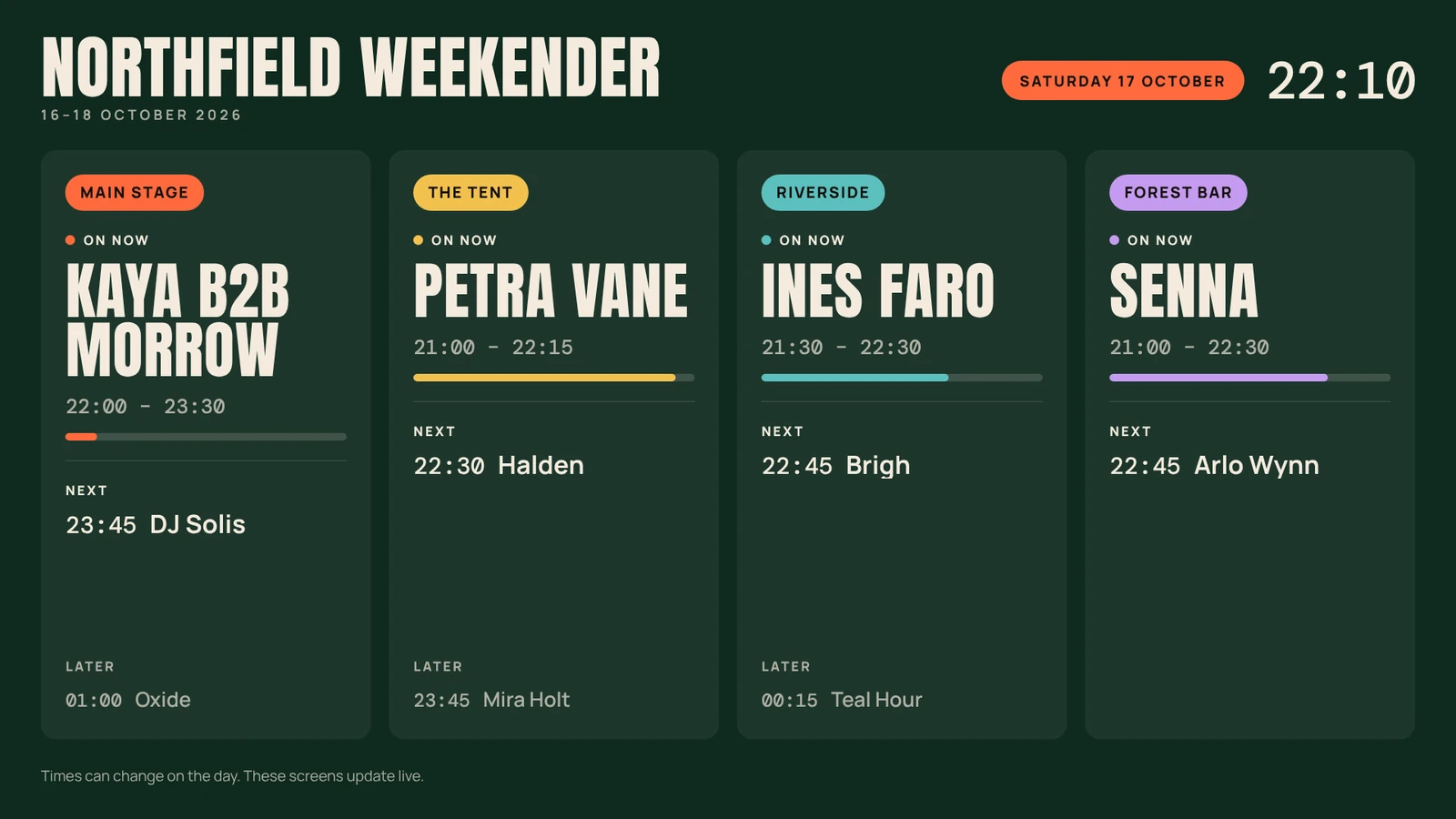
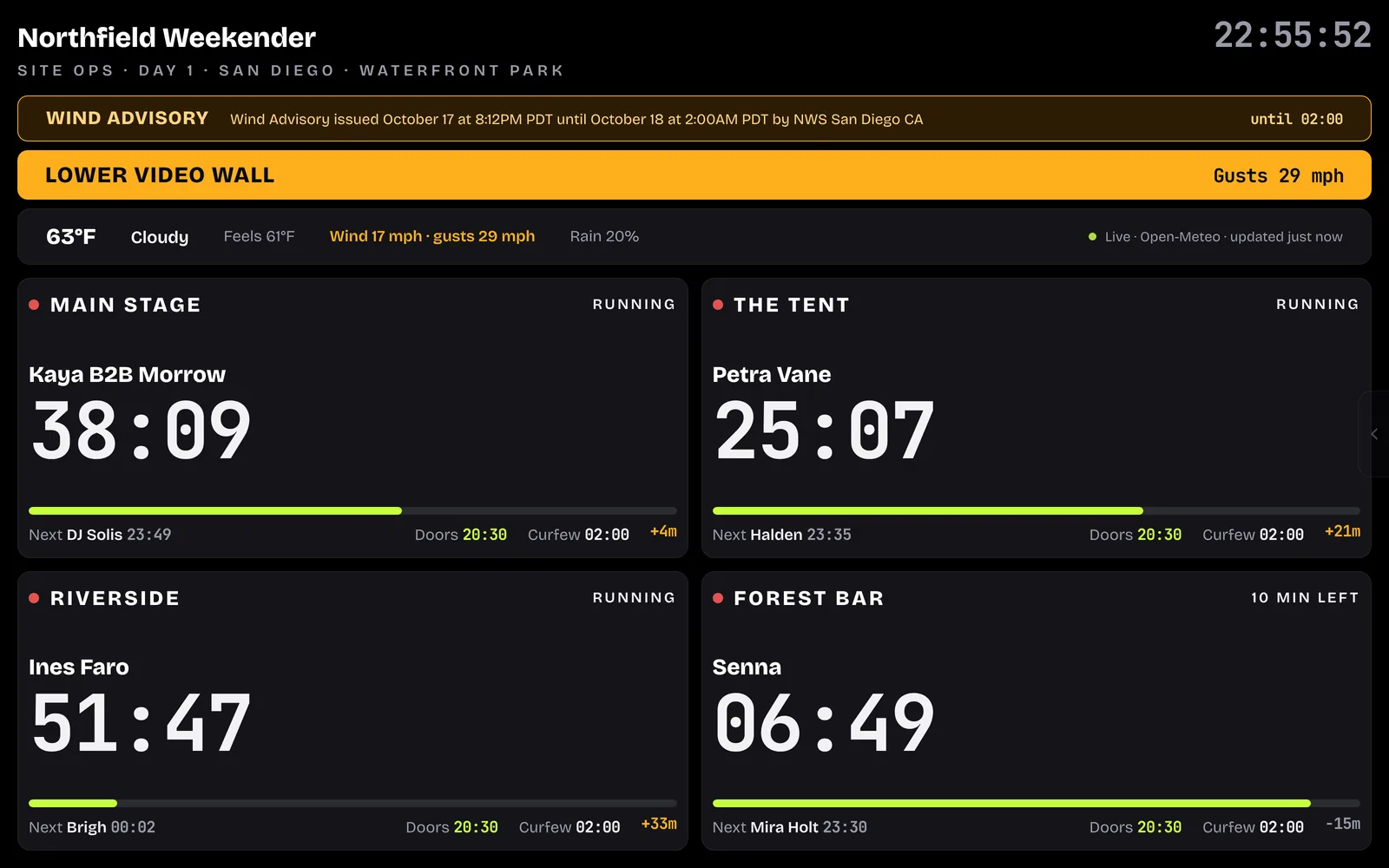
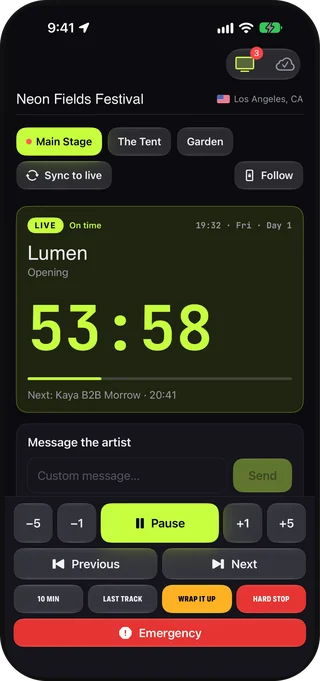
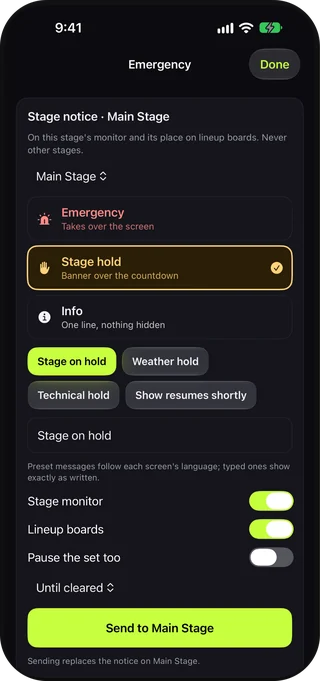
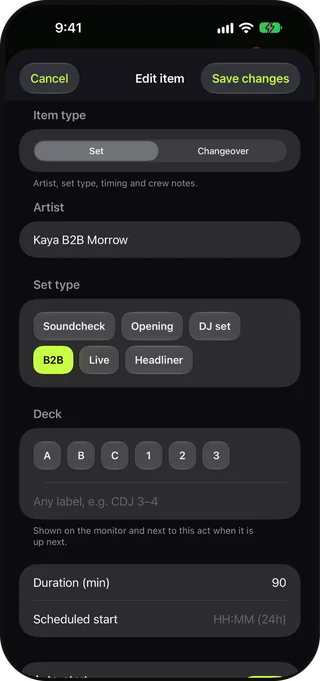
Setclock is a browser-based stage timer for festivals, clubs and artists. You import or build a running order and run sets, changeovers and curfew from one controller, and every screen counts down to the same second: artist monitors, phone remotes, multiview and site ops. It's in invite-only beta, made by Goose Productions in San Diego.
Is Setclock free?
Yes, during the beta. Setclock is invite-only, and invited organizations use it without charge. Paid plans will be announced before they apply, and nobody is charged without agreeing first.
Does Setclock work offline?
Yes, once loaded. Timing runs on each device's own clock, so a screen opened while connected keeps counting if the Wi-Fi drops, and changes sync when the connection returns. Photo import, Setclock AI, weather and Timecode Live need internet.
Do I need to install anything or buy special hardware?
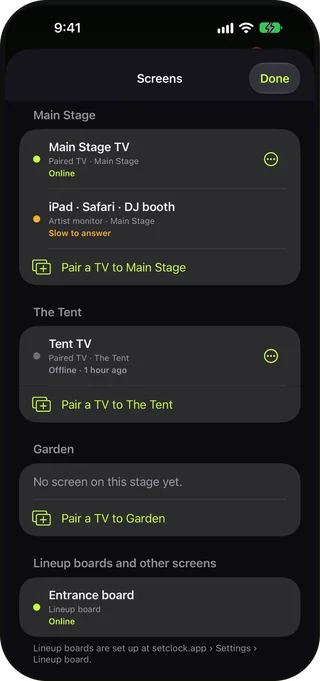
No. Every Setclock screen is a link that opens in a web browser: the Run show controller, artist monitors, phone remotes, multiview and site ops. For streams or LED walls, add the stage link to OBS or vMix as a browser source and send it out over NDI.
What happens if two people try to control the same stage?
Only one Run show screen controls a show at a time. A second device asks for a handoff, and the first saves its changes before handing over. If the first device has been quiet for 35 seconds, the new one can take over.
How does Setclock keep my team and screens secure?
Teammates join by email invite as Admin, Stage manager or Viewer, and each link works once, only for that address. Two-step sign-in uses an authenticator app and owners can require it. View and control PINs and IP allowlists protect screens, and an activity log records who changed what.
Can I set up a show weeks ahead?
Yes. A show on a future date can wait as inactive: build the lineup and settings now, and its screens show "Not active yet" until an owner or admin makes it active. Stage managers can ask for it to be switched on.


 English
 Español (España)
 Español (México)
 Français
 Deutsch
 Nederlands
 Português (Brasil)
 Italiano
 עברית
 العربية
 日本語